
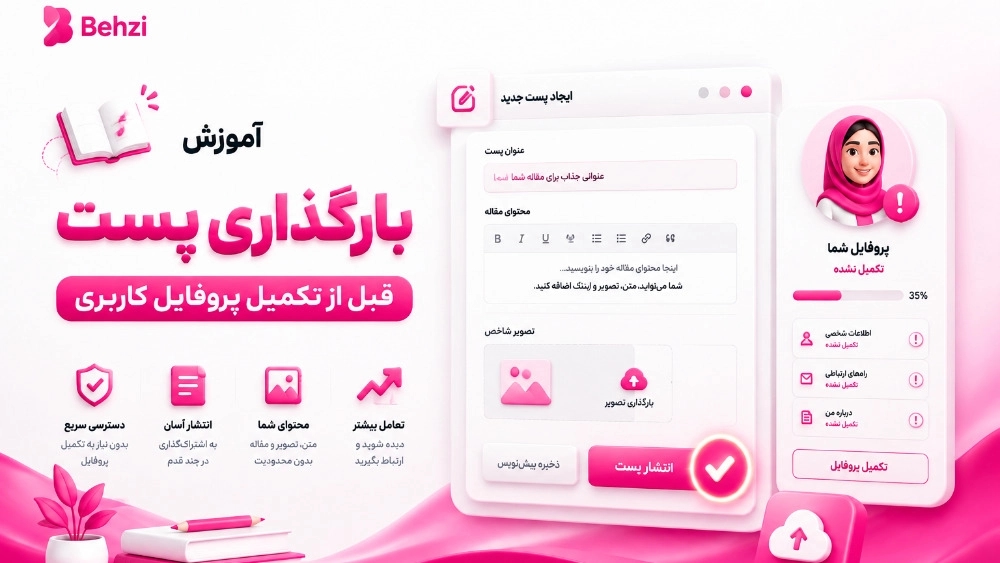
- After entering the site and entering the relevant code, enter the counter.
- In this section, click on content and then posts.
- After completing the items, click on post registration.
- Here you must complete the form that is displayed and click on "Register changes".
- And then click on post registration.
Post loading
- First enter the counter.
- Enter the "Content" and then "Posts" section.
- Click on Add.
- Write the title of the post and the abstract of the post.
- In this section, you can use one of the 3 main categories created by default.
- If you want another category, you can add it by using this (+) category should be in English)
- Choose the cover of the post.
- Enter the relevant tags.
- You can also enter the audio file of your post through "Choose a new audio introduction".
- In the text part, you can have text, list and link.
- You can have a gallery of images at the end of the post or between the text.
- You can directly upload your videos from the "Bahzi Video" section.
- From the file section, you can enter a file (for example, PDF), note that the file can include a title, image, and description. Enter a short text or a short description (for example, urgent contact) in the box.
- Using "suggested items", you can offer several items as a special offer in each post.