
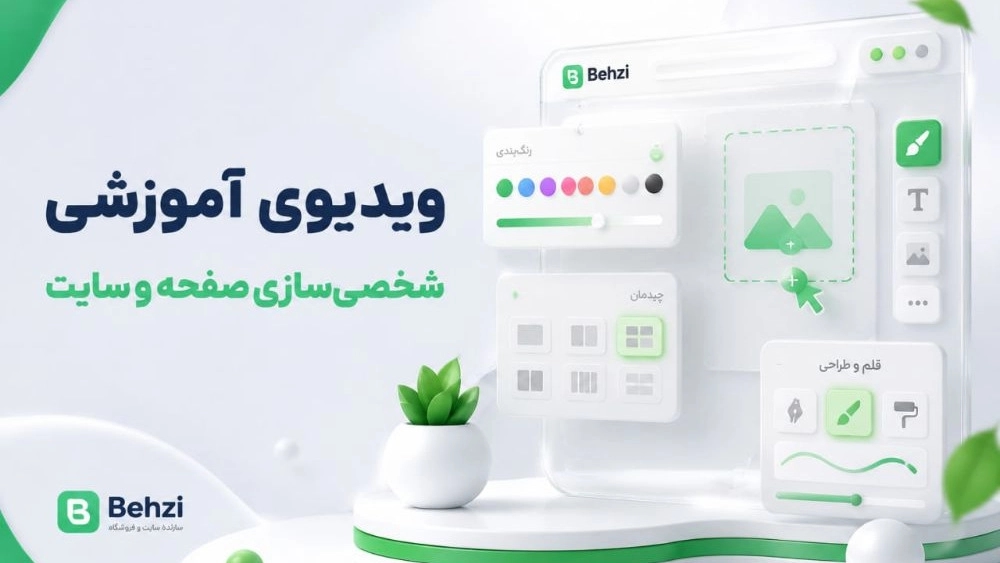
personalization
- First enter the counter.
- Click on "Settings" and then "Personalization".
- Click on "Add".
- Select the desired item and then click OK.
- Continue doing this until you reach your desired layout and click OK when you are done.
- You can easily move the items around.
- And Delete that item from the main page of the site by clicking on the "Delete" option.
- By deleting all the items from the personalization section, the site and the page will return to their original display state.