
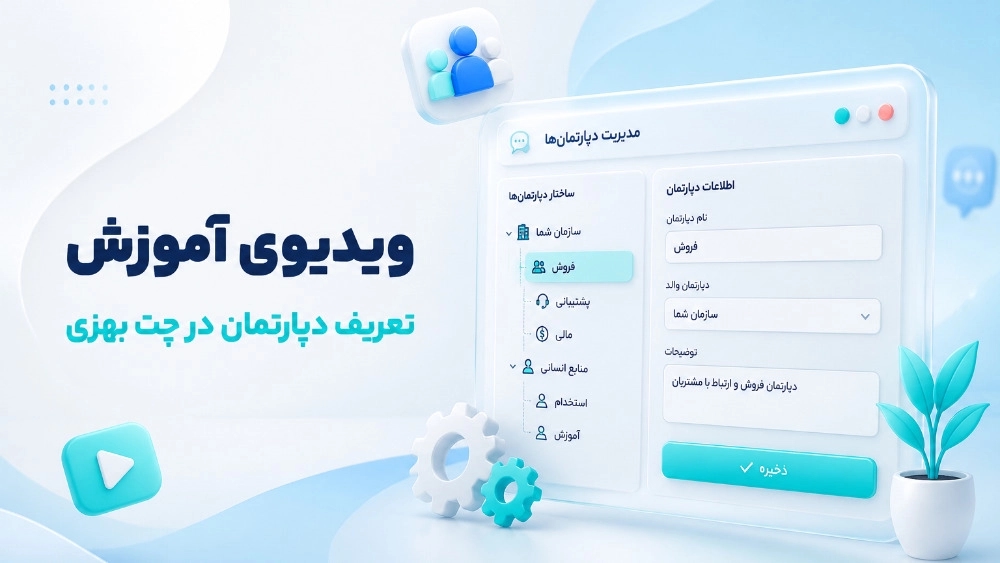
Chat department
- First enter the counter.
- Then click on "Manage messages" and then "Departments".
- Click on Add.
- Write the desired department name and then click on the "Department registration" button.
- Then click on "Options".
- Click on "Manage department admins" and click on the button Click "Add".
- Enter the "admin" contact number and click the "Send" button.
- Enter the SMS code in the "Received SMS" field and click "Register Admin".