
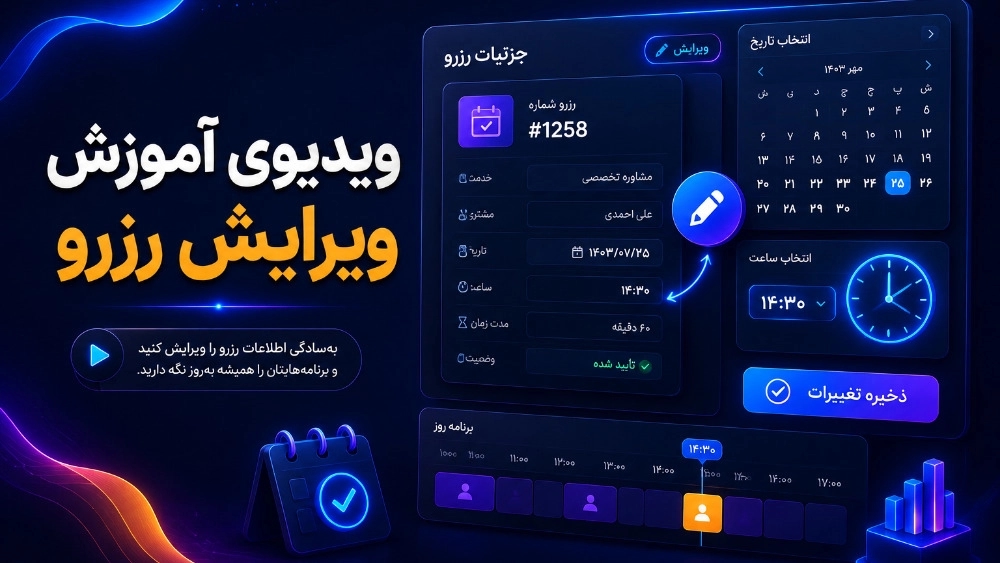
reservation
- First enter the counter.
- Click on reservation.
- Click on reservable items.
- Click on Add.
- Choose the type of reservation.
- Choose the time interval type. Write the reservation item and provide a brief description.
- Determine the reservation time.
- Determine the price. You can customize the calendar by clicking on "Features" and then "Reservable Times".
- By clicking on "Features" and then "Add Features" you can activate the options and items that are in your collection.